







































































Sanchar Saathi App: How to Check SIMs in Your Name, Report Fraud
India has cut off 82 lakh fraudulent SIMs. Here’s how to use the Sanchar Saathi app to check connections in your name, report scam calls and block a lost phone.

B
Business
NEWS CARD

“Sanchar Saathi App: How to Check SIMs in Your Name, Report Fraud”

Read more onwww.entrepreneuroutreach.com/s/3faa15
9 Oct 2026
Key Highlights
- Why now: India has disconnected over 82 lakh fraudulent mobile connections, many obtained using other people’s identities.
- Your tool: The government’s Sanchar Saathi app has been downloaded about 25 million times.
- Check your SIMs: See all mobile numbers registered under your ID and report ones you don’t recognise.
- Report scams: Flag suspicious calls, SMS and WhatsApp messages.
- Lost your phone? Block it so it cannot be misused.
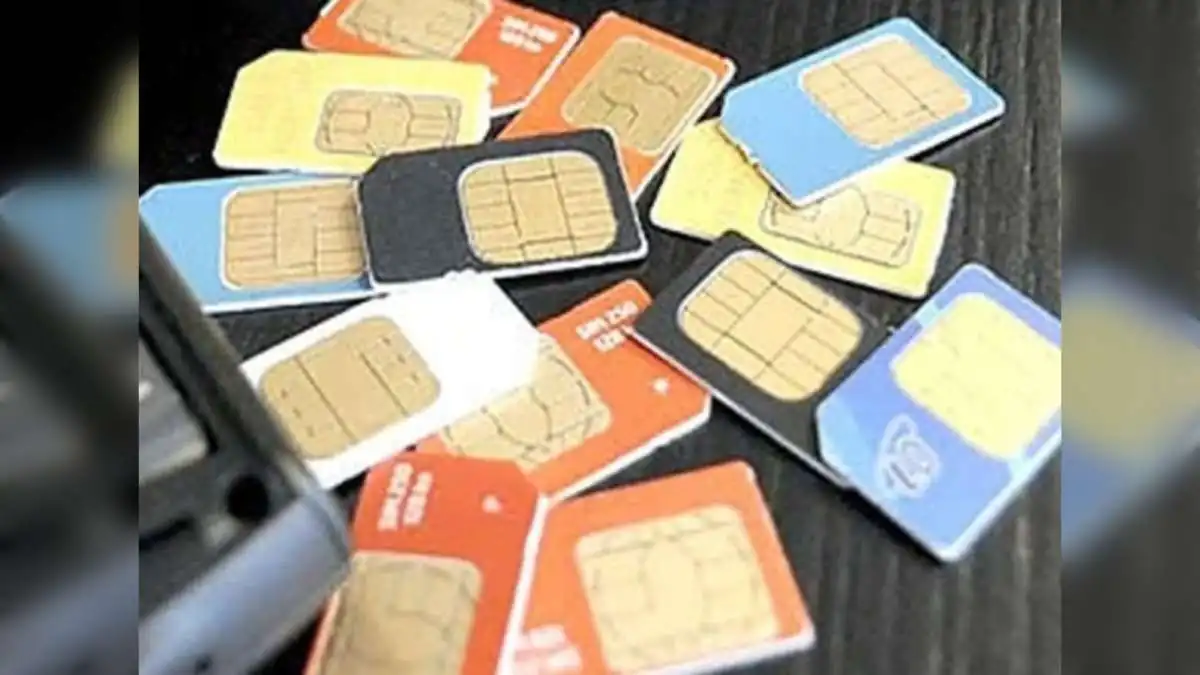
Many phone scams start with a SIM card registered in someone else’s name. The fraudster stays hidden, and the person whose identity was used may never know. The government recently said it has disconnected over 82 lakh such fraudulent connections, and Indians lost more than ₹22,800 crore to fraud in 2024 alone.
The Sanchar Saathi app, available on Android and iOS and as a web portal, lets you protect yourself in a few minutes.

What You Can Do on Sanchar Saathi
| Feature | What it helps you do |
|---|---|
| Know Mobile Connections in Your Name | See every number registered against your ID and report unknown ones |
| Chakshu | Report suspected fraud calls, SMS or WhatsApp messages |
| Block Lost/Stolen Mobile | Block a lost or stolen phone so it can’t be used on any network |
| Know Your Mobile Handset | Check whether a phone’s IMEI is genuine before buying a used device |
| Report International Calls With Indian Numbers | Flag calls that show an Indian number but come from abroad |
How to Check SIMs in Your Name
- Download the Sanchar Saathi app or visit the official Sanchar Saathi portal.
- Log in using your mobile number and the OTP sent to it.
- Open the option to view mobile connections registered in your name.
- Review the list. If you see a number you don’t use, mark it as “Not mine” or “Not required” to report it.
How to Report a Scam Call or Message (Chakshu)
- Open the Chakshu option in the app.
- Choose the medium (call, SMS or WhatsApp) and the type of fraud.
- Enter the number and details, attach a screenshot if possible, and submit.
If You’ve Lost Your Phone
Use the Block Lost/Stolen Mobile option with your phone’s IMEI number and a police complaint copy. This blocks the device so it cannot be misused.